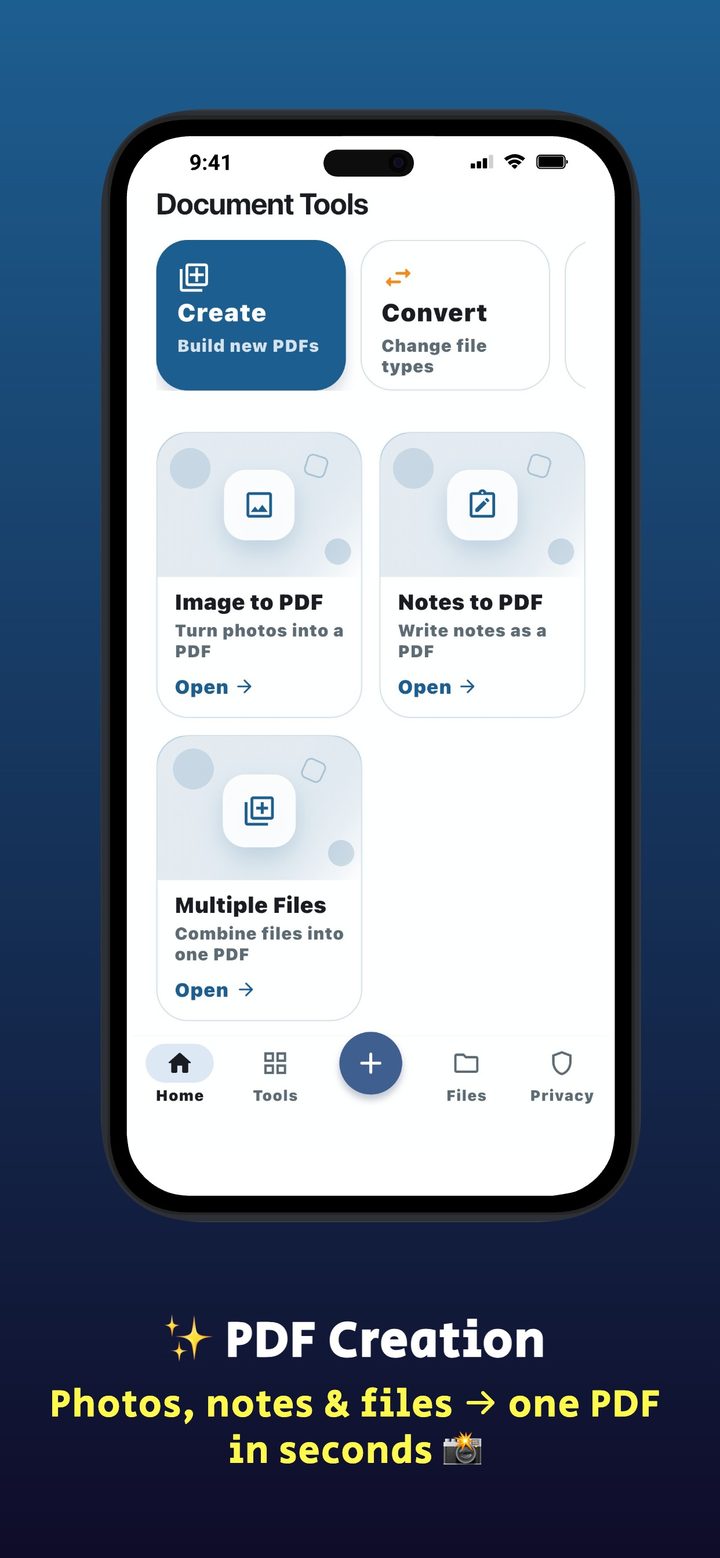
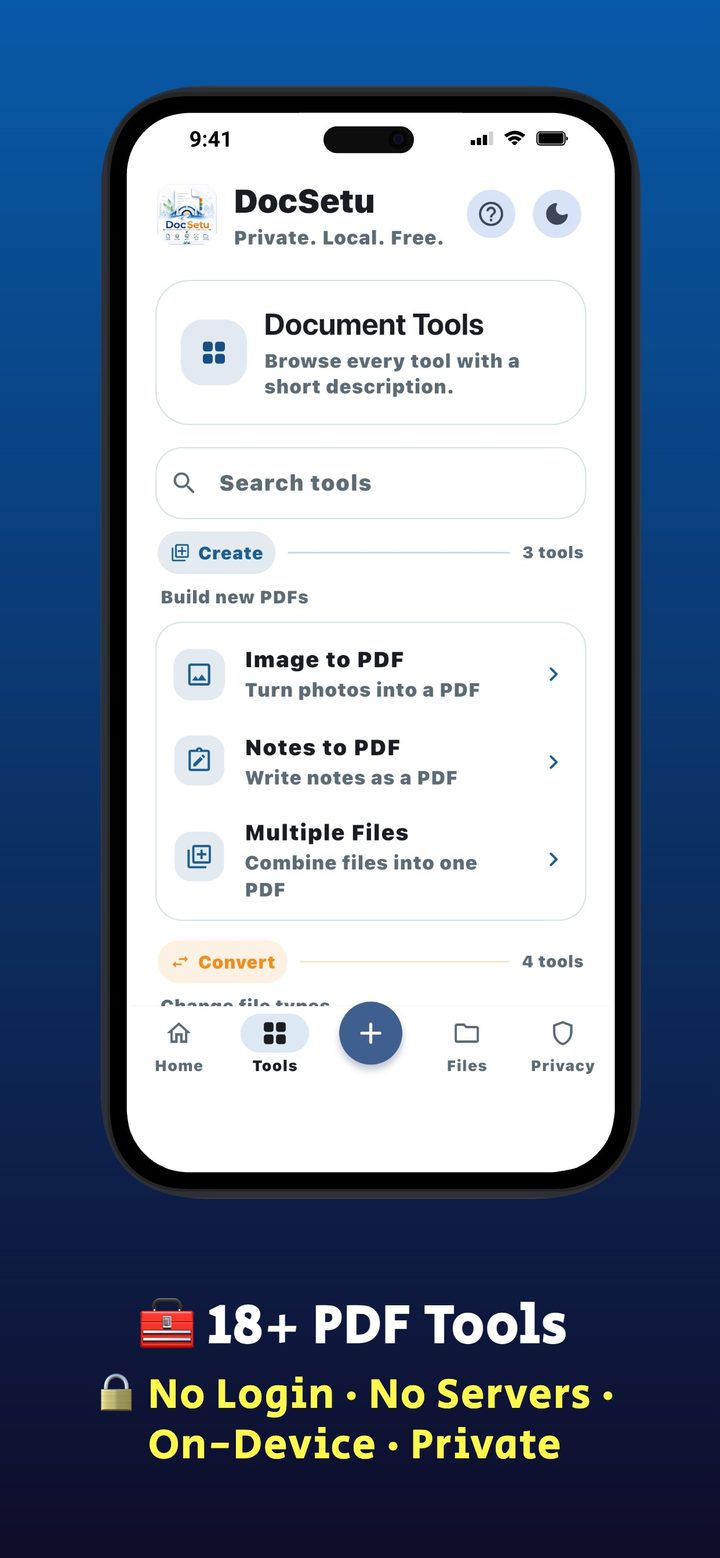
Build new PDFs
Photos, notes, and mixed files become a single document in a few taps.
Free · Offline · No login
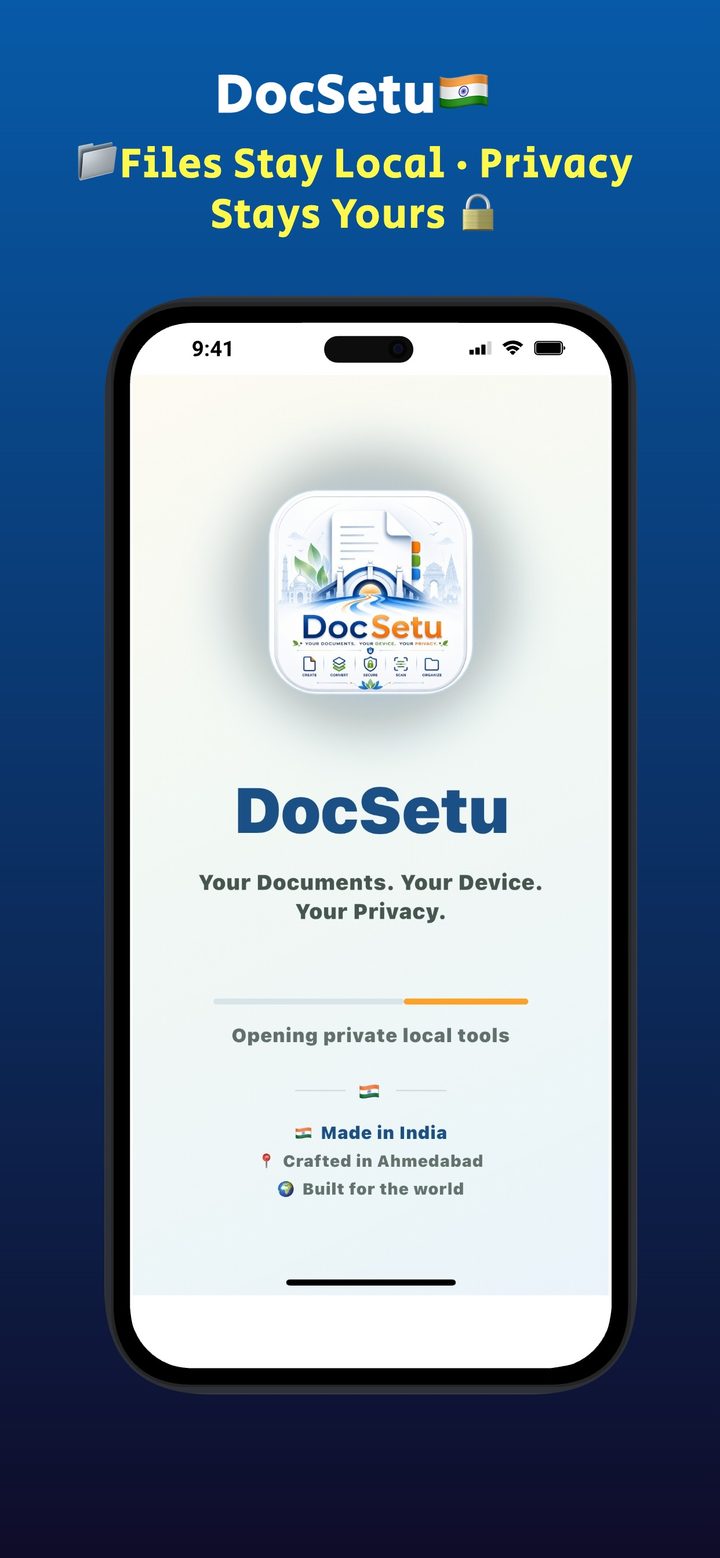
Your Documents. Your Device. Your Privacy.
Free offline PDF scanner for iPhone and Android. Scan Aadhaar and PAN, convert Word or Excel to PDF, merge, split, compress, and lock files on your phone. No login. No cloud upload. Made in India 🇮🇳




Product
Built for students, professionals, small businesses, and anyone who wants documents to stay on their phone.
Categories
Every feature runs locally unless you choose to save or share a file.
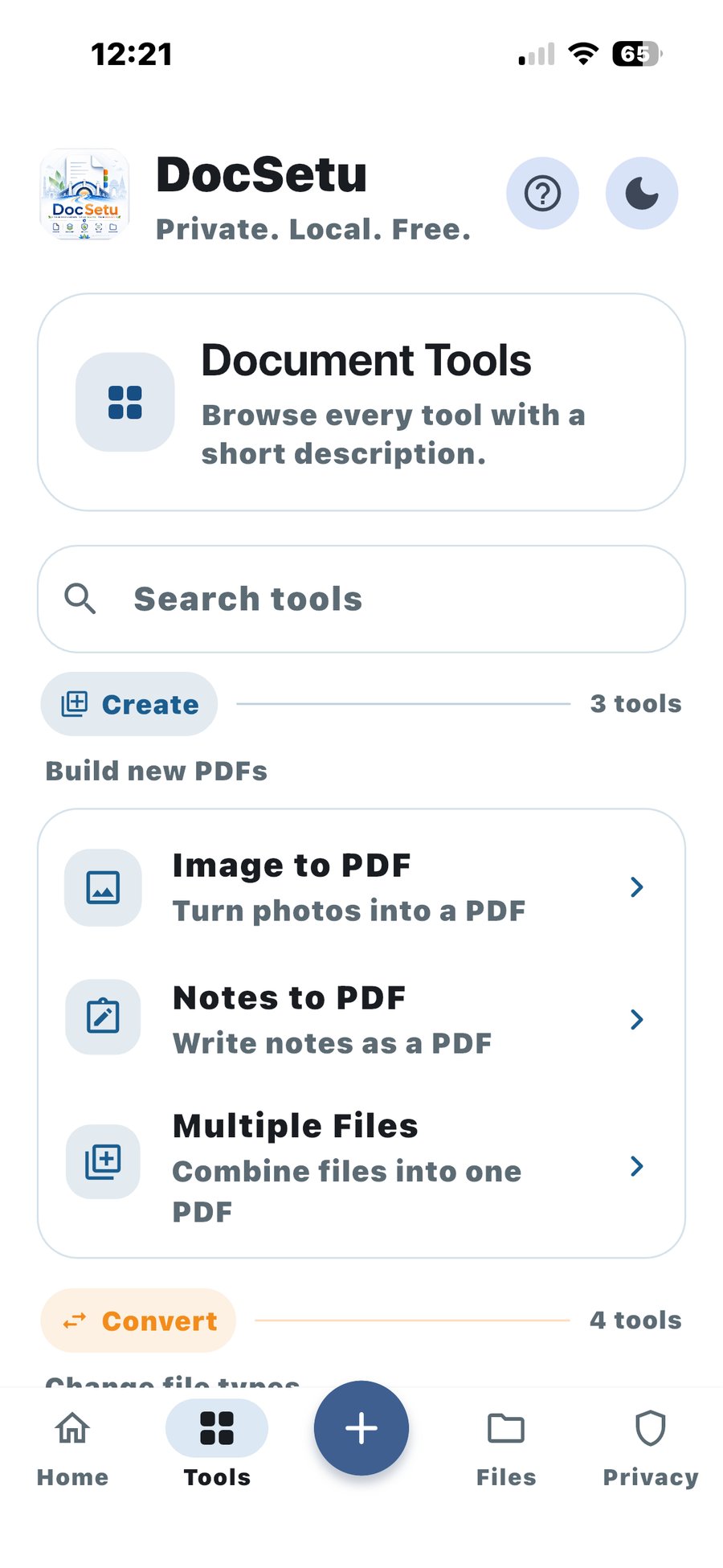
Photos, notes, and mixed files become a single document in a few taps.
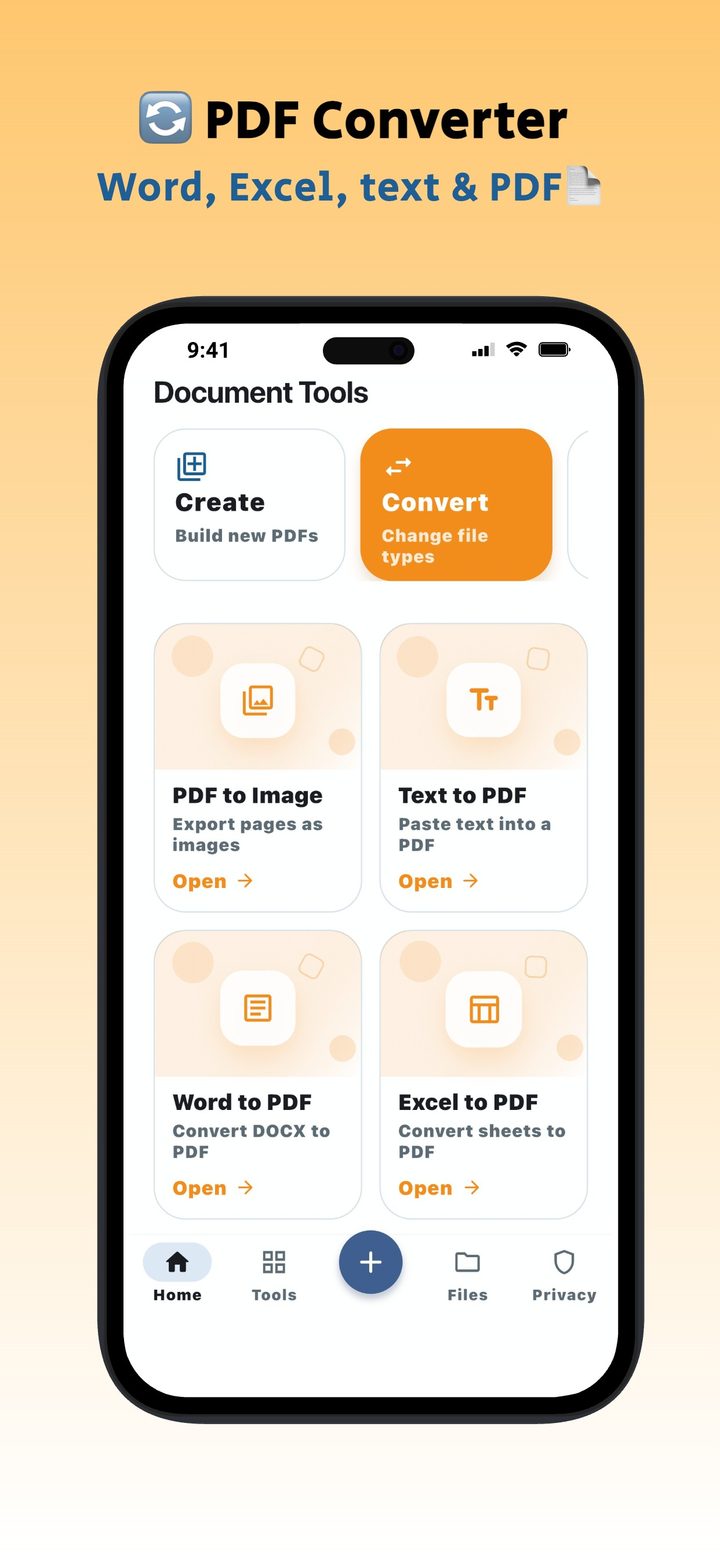
Word, Excel, text, and PDF pages convert on the device — no upload.
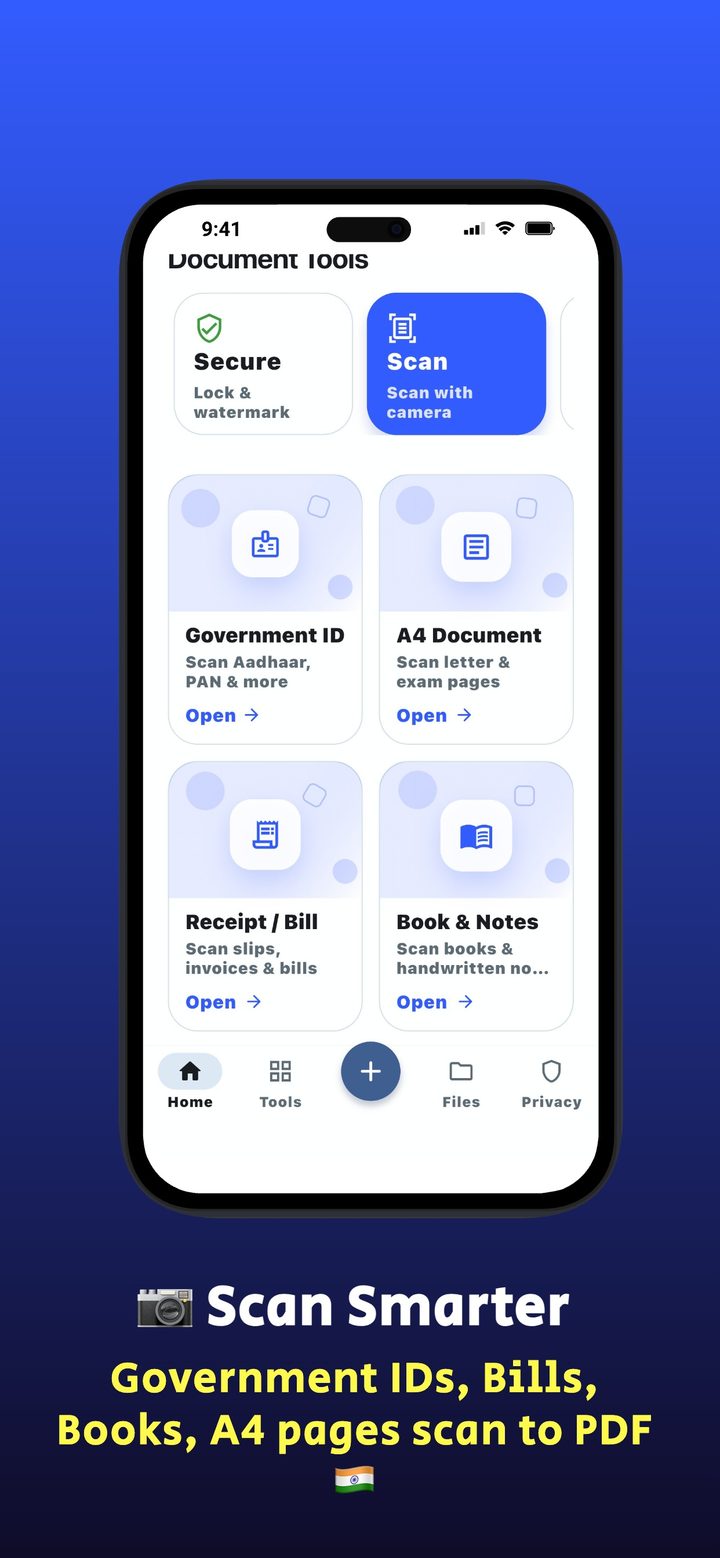
ID cards, A4 pages, receipts, and books with auto-detect and filters.
Passwords and watermarks stay on-device. Lock secrets are never stored.
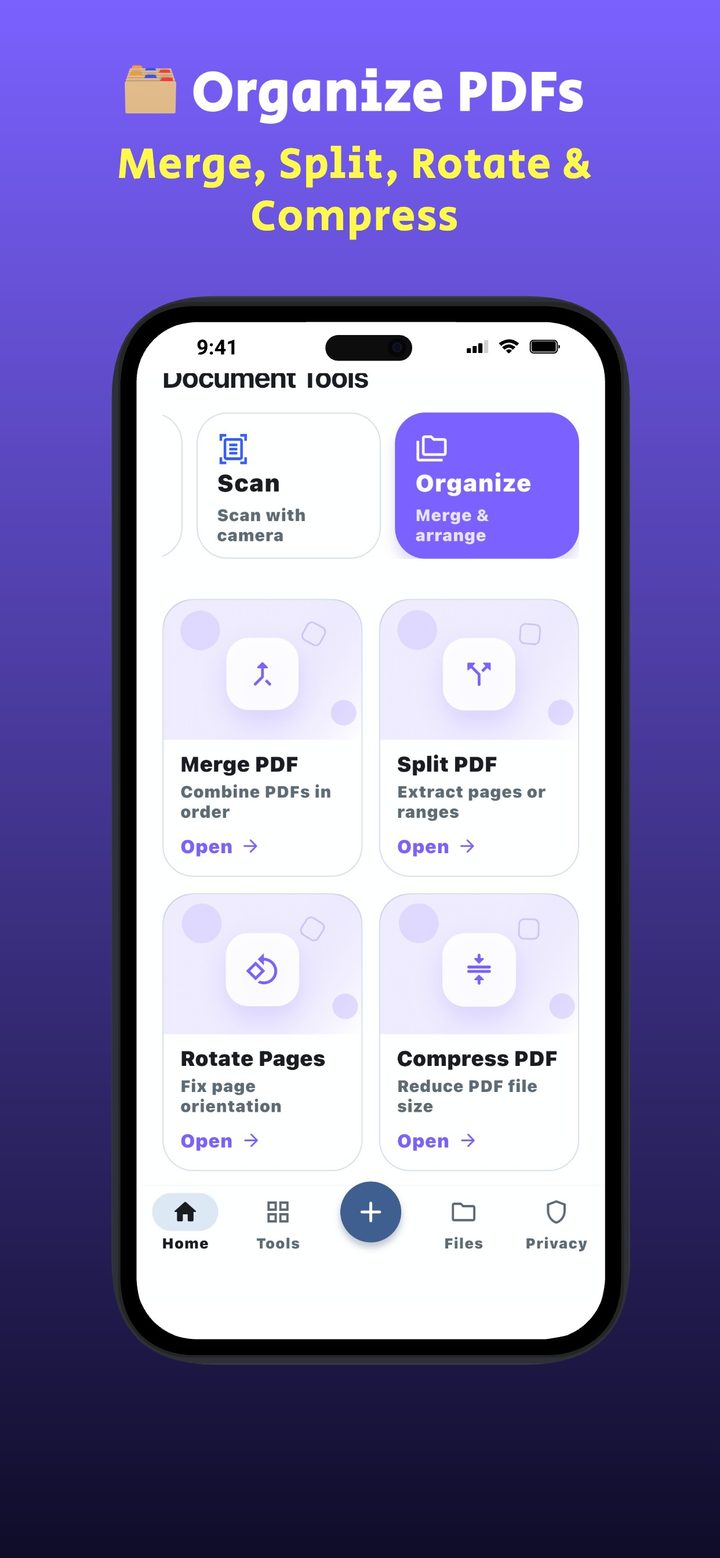
Combine, split, rotate, and compress. Reorder or drop pages before you save.
Search, export ZIP, clear storage, and keep copies only as long as you want.
All tools
The full list that ships in the app today.
Turn gallery photos into a PDF. Reorder or remove pages before you create.
Write or paste notes and export a clean PDF.
Combine images from Gallery, Files, or the app hub into one PDF.
Export pages as images you can save or share.
Paste text and generate a readable PDF on-device.
Convert DOCX documents locally — no Office cloud.
Convert XLSX sheets to PDF on your phone.
Lock a PDF. The password is discarded when the tool session ends.
Unlock a PDF you own. We never store the key.
Stamp text on pages with a live preview.
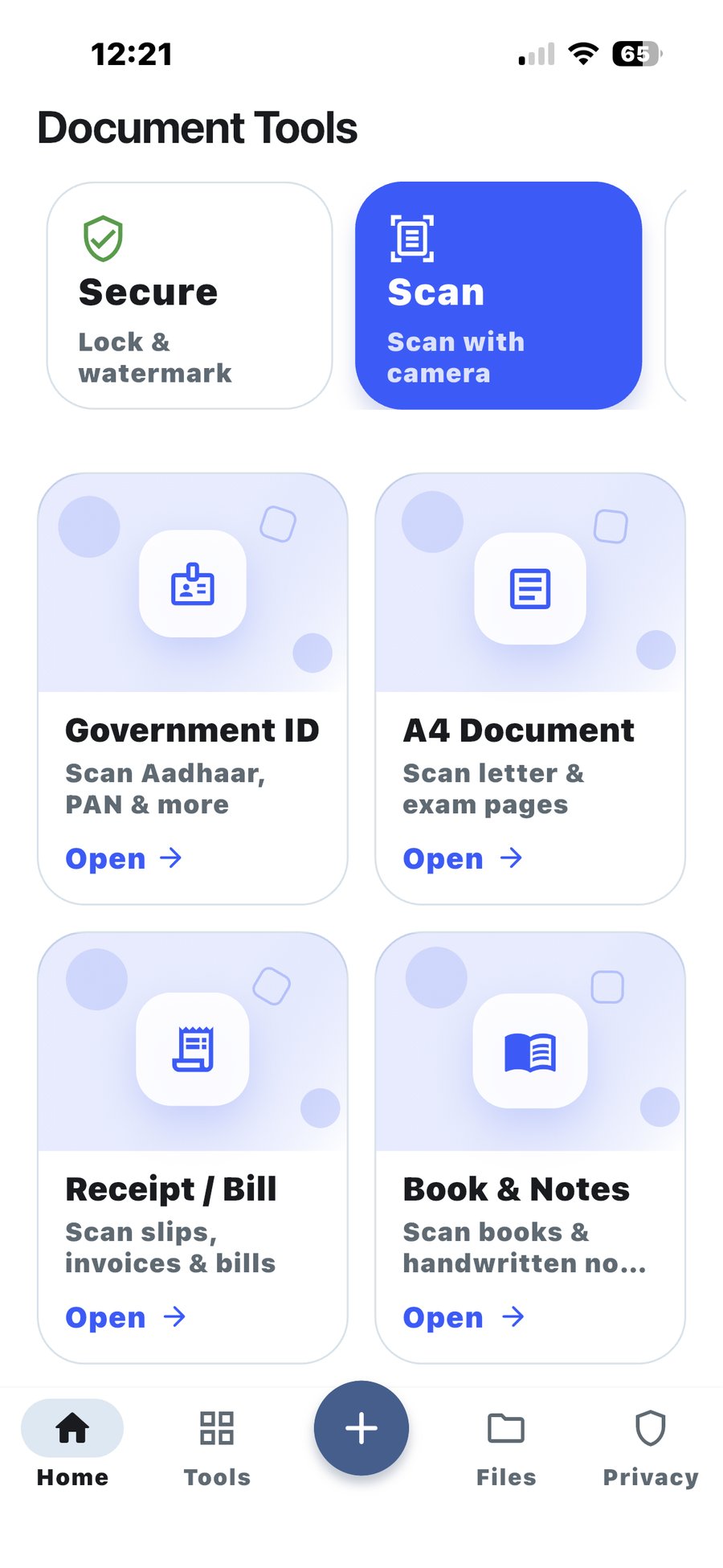
Scan Aadhaar, PAN, and other cards with an ID-tuned camera.
Letters, forms, and exam pages at document size.
Slips, invoices, and bills captured as a PDF.
Scan book pages and handwritten notes, multi-page.
Combine PDFs in order. Remove a file from the list anytime.
Extract pages or ranges into a new document.
Fix sideways or upside-down pages.
Light, Balanced, or Strong — smaller files for WhatsApp and email.
Scan
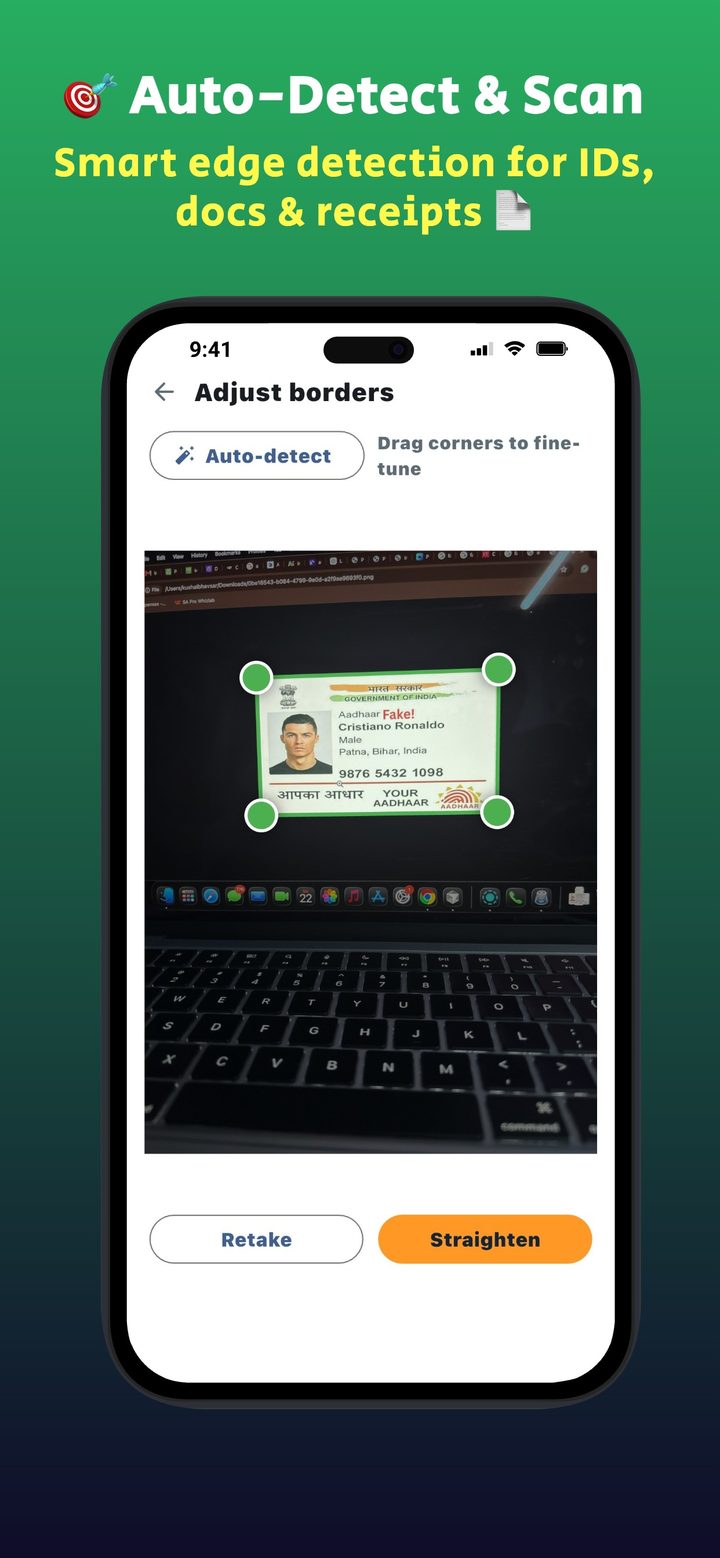
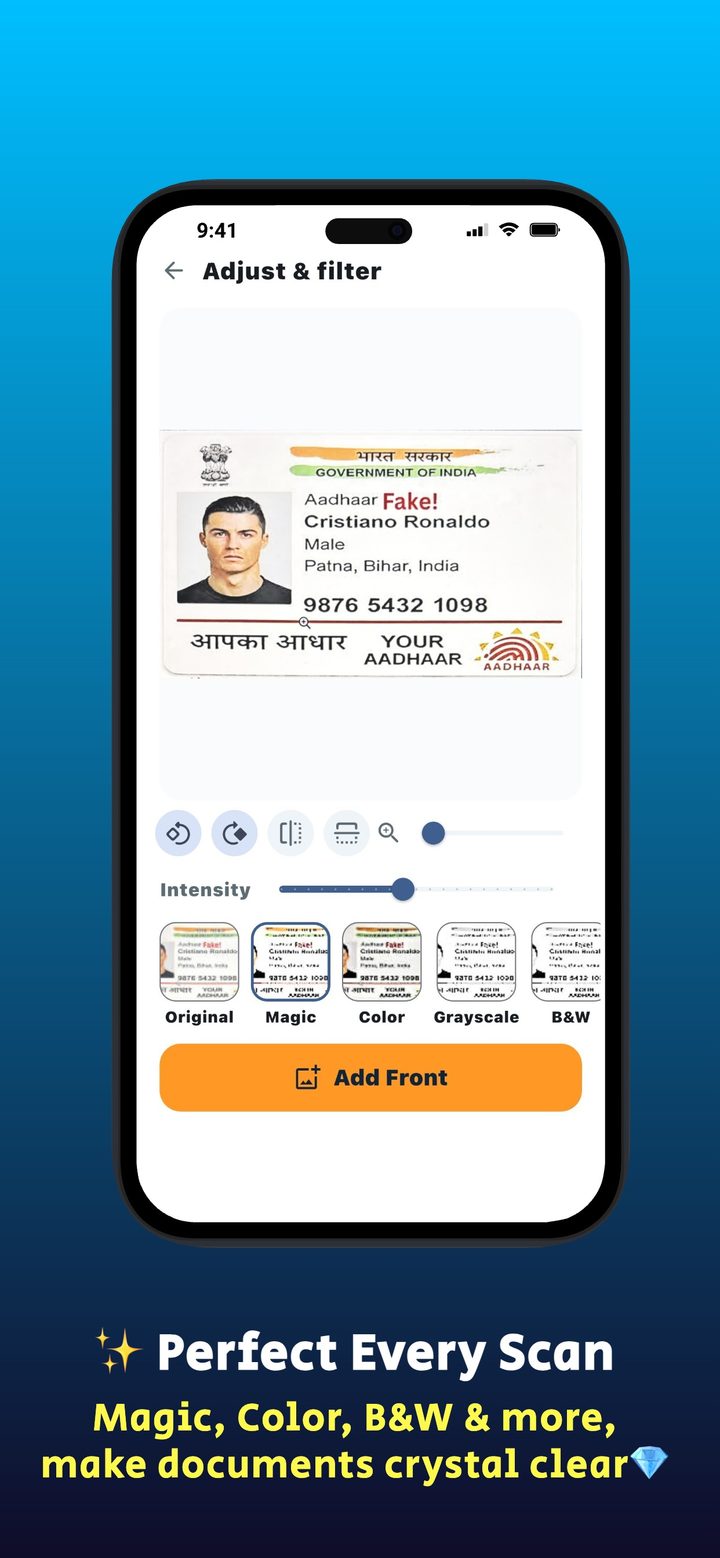
Government ID, A4, receipts, and books each have their own camera profile. Drag corners, straighten, then apply Magic, Color, Grayscale, or B&W.
Files
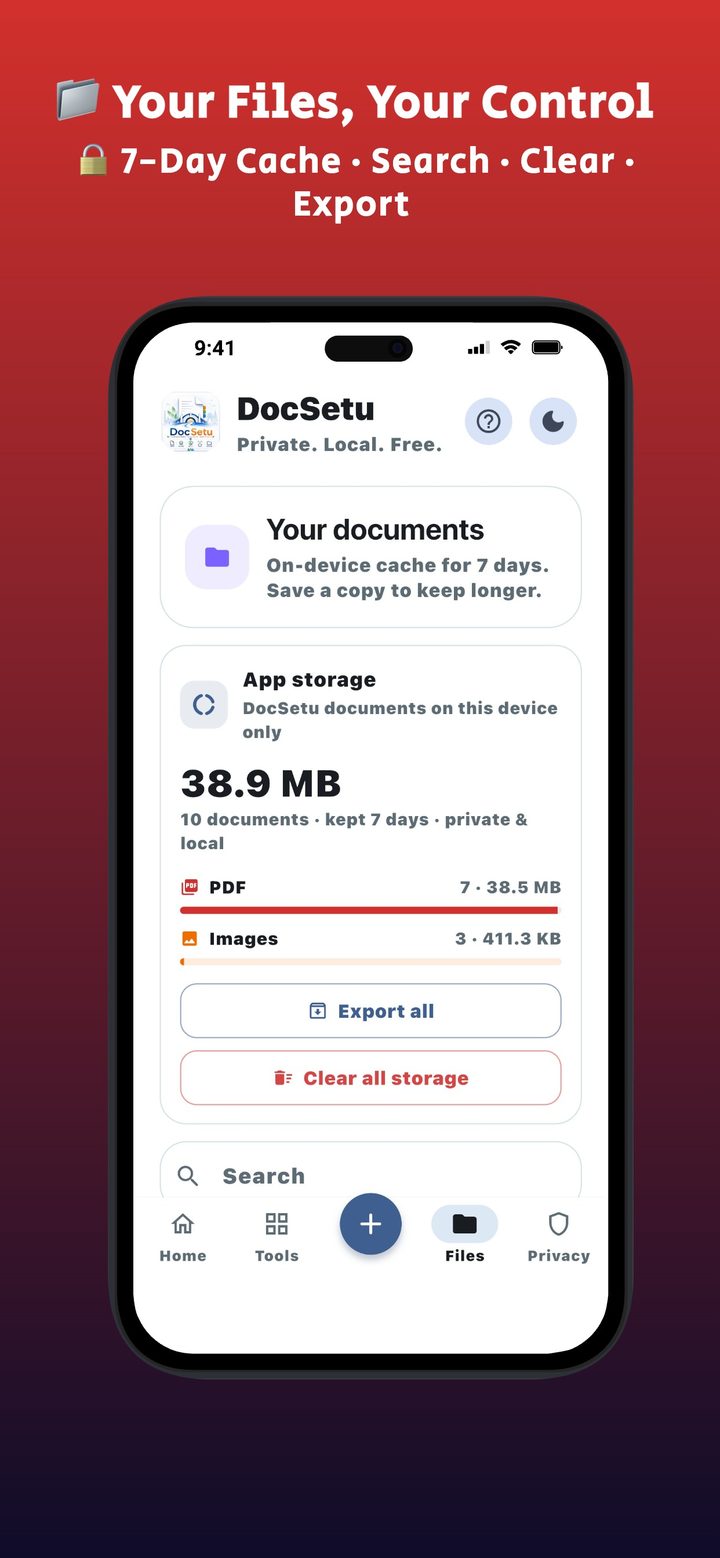
Recent work stays in a private on-device cache (default 7 days — change it in Settings). Export a ZIP, save to Files or Photos, or clear everything.
Screenshots
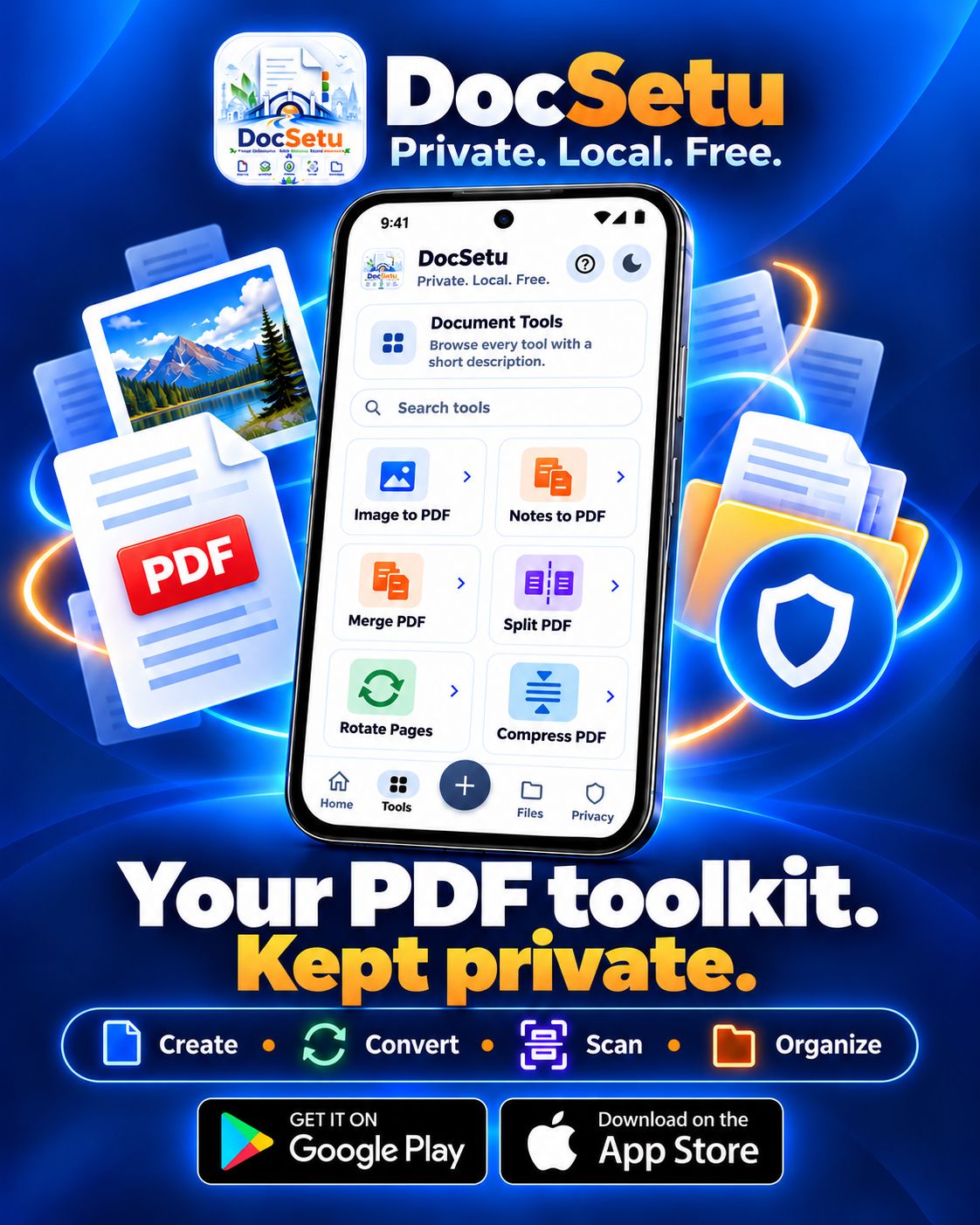
The same toolkit on iPhone and Android — privacy, create, convert, scan, organize, and files.
Privacy by design
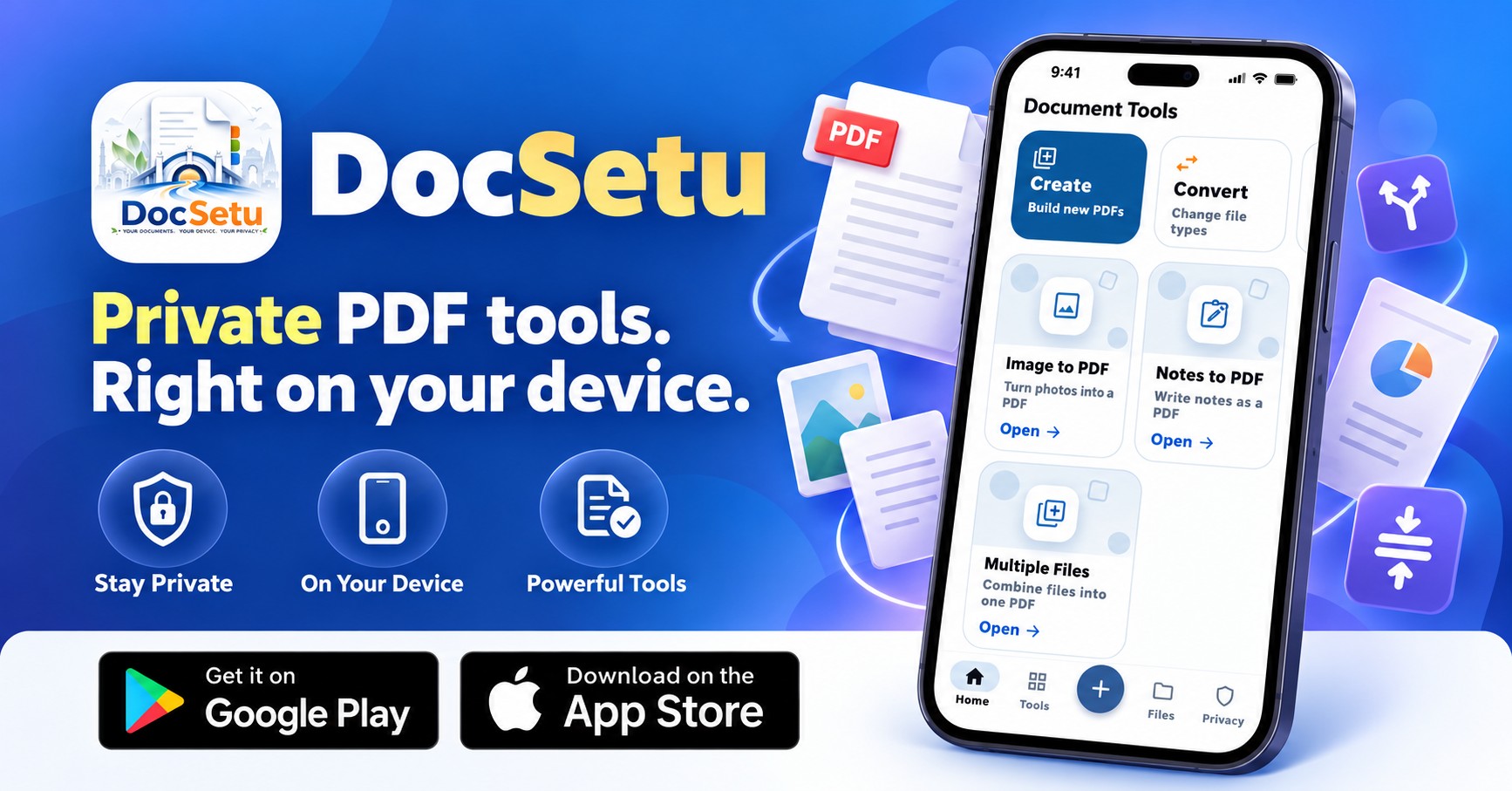
Core PDF tools work offline. Ads and optional analytics need the network — your documents do not.
Who it’s for
Scan notes, merge assignments, compress PDFs before you submit.
Word/Excel to PDF, passwords, watermarks — on the commute, offline.
Receipts, invoices, and WhatsApp-ready files without a cloud account.
Aadhaar, PAN, and card scans with presets made for Indian documents.
If you don’t want unknown servers processing your files, this is the toolkit.
Core tools keep working when the network doesn’t.
FAQ
Straight answers for App Store, Play Store, and Google search — the same facts as in the app.
Yes. DocSetu is a free offline PDF scanner and toolkit. Create, convert, scan, secure, and organize PDFs on iPhone, iPad, and Android. Ads keep it free. No login.
Yes. Government ID mode is tuned for Aadhaar and PAN. There are also A4, receipt/bill, and book & notes cameras, with auto-detect and Magic, Color, Grayscale, or B&W filters.
Yes. Word to PDF, Excel to PDF, text to PDF, and PDF to image run on your device. DocSetu does not upload your documents to its servers.
Yes. Organize tools cover merge PDF, split PDF, rotate pages, and compress PDF. Secure tools add or remove a password and stamp a watermark. Passwords are discarded after use.
DocSetu is built for on-device PDF work in India: no sign-up, ID scan presets, and a 7-day local files hub. Core tools work without internet.
Made in India 🇮🇳 — crafted in Ahmedabad, Gujarat. The app is in English.
Get DocSetu
Free PDF scanner for iPhone and Android. Scan, convert Word to PDF, merge and compress — then share. Made in India 🇮🇳